by Alexa Orban | Mar 26, 2025
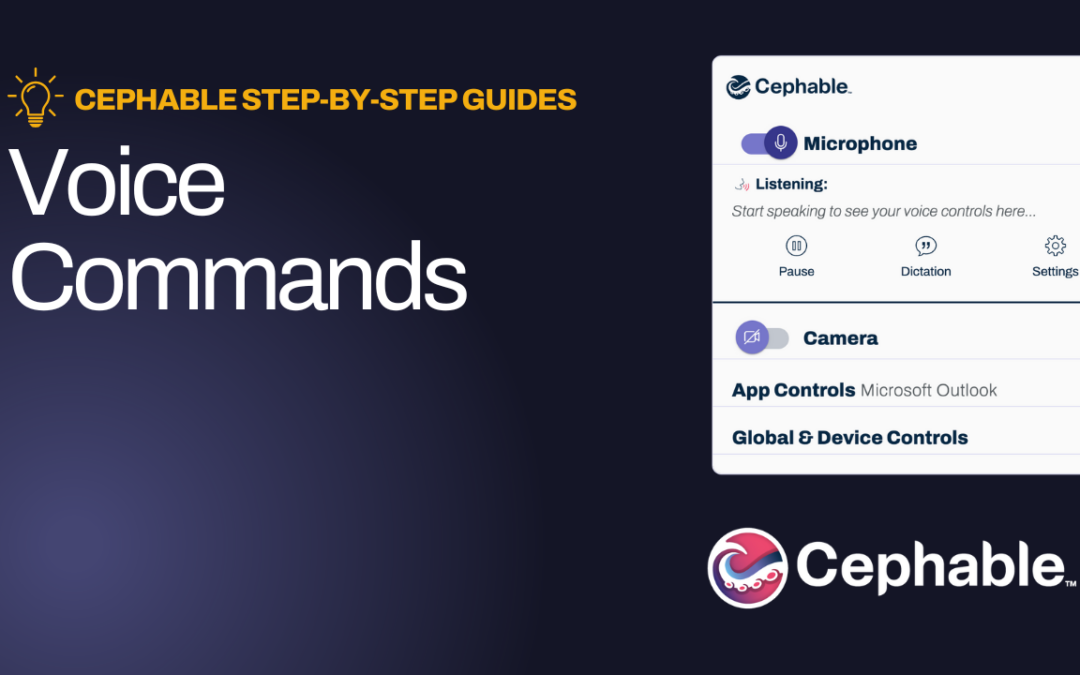
Voice Commands This guide offers a simple way to enhance your computer experience using voice commands for popular applications like YouTube to navigate hands-free. You’ll also learn how to edit and customize these controls. Video Guide Step by Step Walkthrough...
by Alexa Orban | Mar 26, 2025
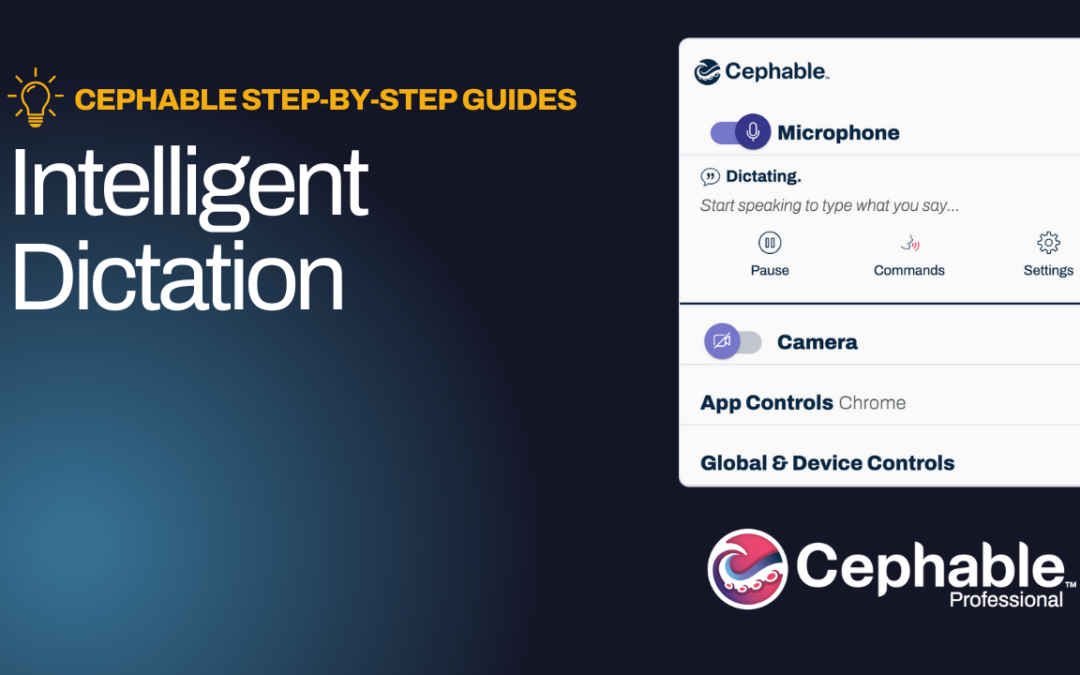
Intelligent Dictation This guide offers a comprehensive overview of Cephable’s Intelligent Dictation feature, which transforms speech into accurate text with automatic capitalization and punctuation. Learn how to seamlessly switch between dictation and listening...

by Alexa Orban | Mar 25, 2025
Getting Started with a Cephable Free Trial This guide provides the process for starting a free 30-day trial of Cephable’s Professional or Education versions, enabling users to explore enhanced features. Additionally, users can track their trial duration and...
by Alexa Orban | Mar 25, 2025
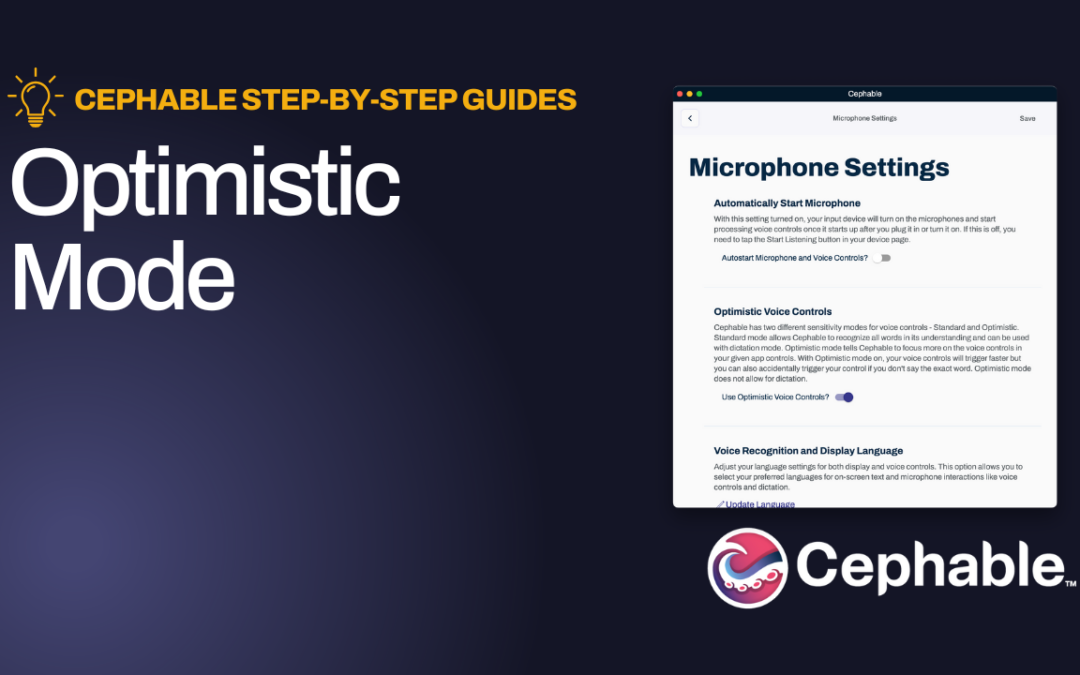
Optimistic Mode This guide offers a streamlined approach to using Cephable’s Optimistic Mode, which enhances voice control speed & responsiveness, especially for users with variable speech patterns. Video Guide Step by Step Walkthrough Scroll down to keep...
by Alexa Orban | Mar 25, 2025
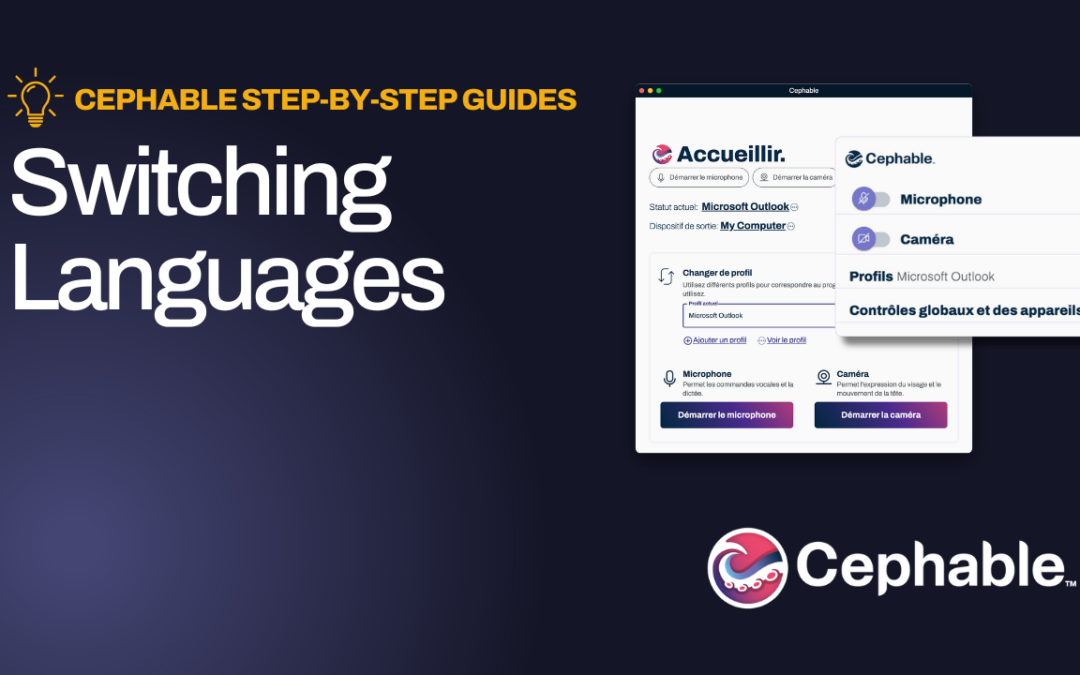
Switching Languages This guide provides the quick process to update your language settings in Cephable. It’s easy to switch to your preferred language for both display (in menus/notifications) and for use while using voice controls & dictation. Video Guide...
