
CEPHABLE FOR GAMERS
TAKE YOUR CONTROLS TO THE NEXT LEVEL
Welcoming All Players
Cephable adds control options, including voice commands, quick actions, and camera‑based controls for players.
Inputs run locally through the Cephable PC or mobile app, keeping your setup private.
CEPHABLE AVAILABLE FOR: Windows, MacOS, iOS, Android
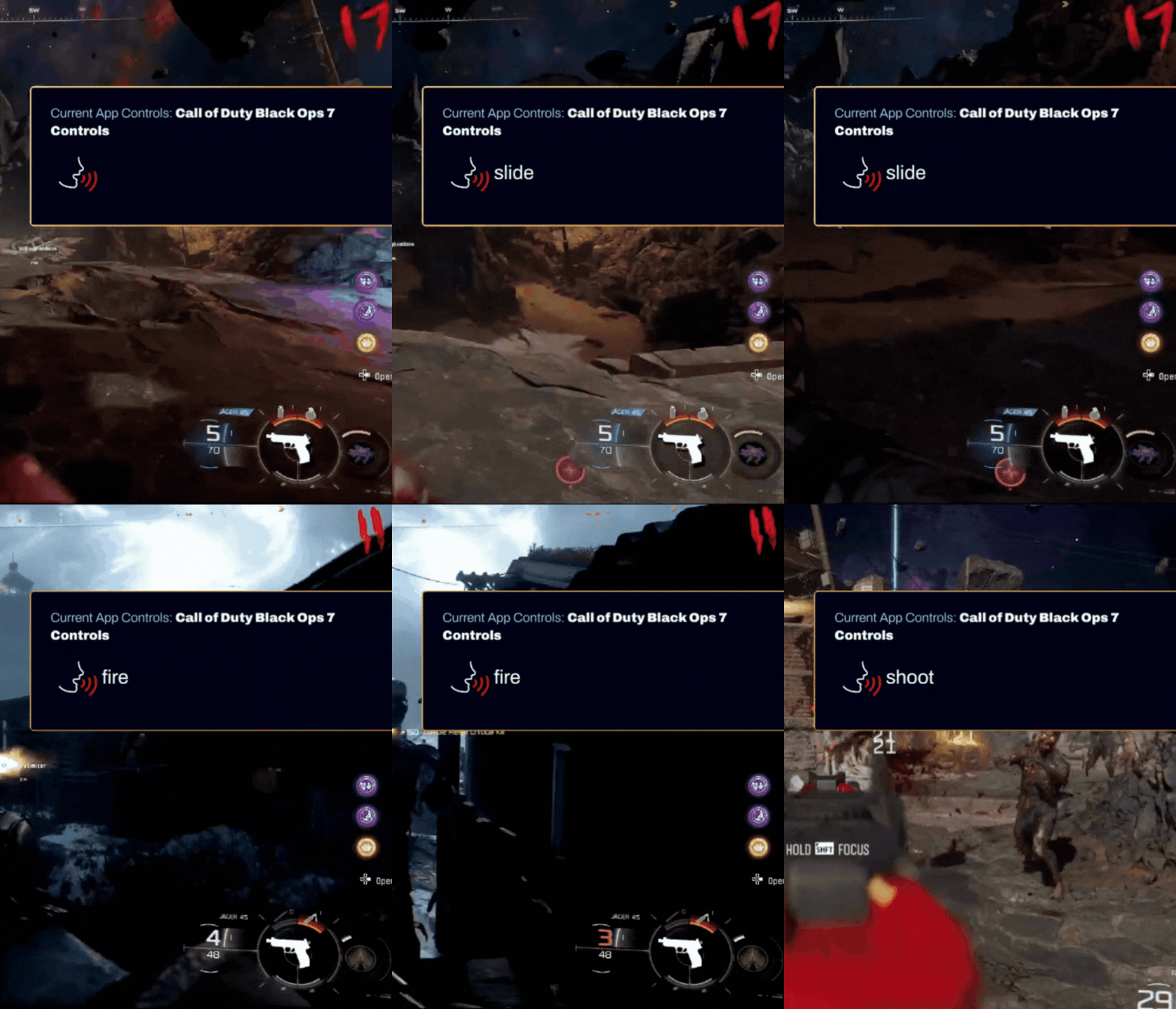

Cephable Adaptive Controls are now available in Call of Duty: Black Ops 7 Learn More
sign up for free and start gaming with Cephable!
ready to play?
Here are some Step-by-Step Guides to Start Using Cephable
How Cephable Works in Your Games
Use the Cephable app out of the box with your favorite PC and Mac games, or play on console when a game has a direct Cephable integration, like Call of Duty: Black Ops 7. Want your favorite game to be next? Request a direct integration from the studio.
Cephable feature comparison: Out-of-the-box Cephable app versus direct studio integration
Out-of-the-box
Cephable app
World of Warcraft, Minecraft, Disney Speedstorm + more
Direct integration
Direct Integration
e.g. Call of Duty: Black Ops 7
FAQ
What is Cephable?
Cephable let’s you customize your controls beyond a controller or keyboard, using things like voice commands, quick actions, or camera‑based controls. You can layer Cephable into your setup in ways that work best for you, unlocking more access to play games your way.
Does Cephable send any of my gameplay data to the cloud?
No, the Cephable application runs fully on‑device. Your inputs and controls stay local and are not sent to cloud servers for processing. Cephable does not record or stream your audio or video to Cephable servers or any third party.
What are Common Games That People Play With Cephable Out-of-the-Box
Cephable has app controls out of the box for FPS, Racing, RPG, and Platformer games. Some popular games include: Minecraft, Fall Guys, World of Warcraft, Disney Speedstorm, and more.
Join our Discord to connect with players sharing how they game with Cephable!
Does Cephable automate gameplay?
No.
Cephable only sends inputs you intentionally trigger. There are no overpowered macros, auto‑aim, or rapid‑fire functions beyond what a normal controller allows.
Can I customize or share my controls?
Yes! App controls can be fully customized, so you can play the way that works best for you. Learn how to customize your controls by watching our step-by-step guide!
Join our Discord Community to share your latest controls and learn how other players use Cephable!
Can I Use Cephable on my Console?
Cephable is currently available on console for games that we officially integrate our controls into.
We are currently available in Call of Duty: Black Ops 7 on PC, PlayStation, and Xbox.
As a PC Gamer, do I use Cephable’s mobile app or desktop app?
You can use either. Some players like having the Cephable panel tab available for reference while others want their game on screen. If you’re playing on a lower resource PC, we recommend using the Cephable mobile app to keep all resources available for the game experience.
Where do I go for help / support?
If you need help getting set up or have questions about using Cephable start with the step‑by‑step guides on this page.
For tips, shared setups, and how other players are using Cephable, you can also join our Discord community.
If something isn’t working or you need direct support, you’ll find a clear path to reach our team from the resources here.
Do I need any special new hardware equipment to use Cephable?
No. You don’t need any special or new hardware to use Cephable. Most players use voice commands or quick actions through the Cephable app on desktop or mobile. You can use Cephable with the setup you already have and layer it in where it makes sense for you.
Where should I place my mic for the best voice‑control accuracy?
Setup your mic so your voice is picked up clearly and consistently, without picking up extra background noise.
Mobile device
Place your phone or tablet as close as possible, with the mic facing you. Consider a desk stand, mount, or stable surface.
Try a headset mic:
Many players prefer headset mics with built‑in noise suppression, which helps Cephable focus on your voice while ignoring gameplay audio and other voices.
Can I Play Call of Duty Black Ops 7 with Cephable?
Yes! Call of Duty: Black Ops 7 now features new control options from Cephable, including voice commands, quick actions, or camera‑based controls for users. Cephable controls are currently available for use in Zombies, Co-Op Campaign, and Dead Ops Arcade.
How can I get Cephable app controls for a specific game?
You can use our in-app AI Control Generator to make a custom set of controls for your favorite game. Or join our Discord and see if other players can share their Cephable controls for games too
For Developers: Can I add Cephable SDKs into my game?
Yes, you can build with the Cephable AI assistant and controls. Integrate Cephable’s adaptive controls to make your game accessible to every player. All powered by the Cephable personal assistant running on the user’s own device.
Learn more on our Developer Resources